

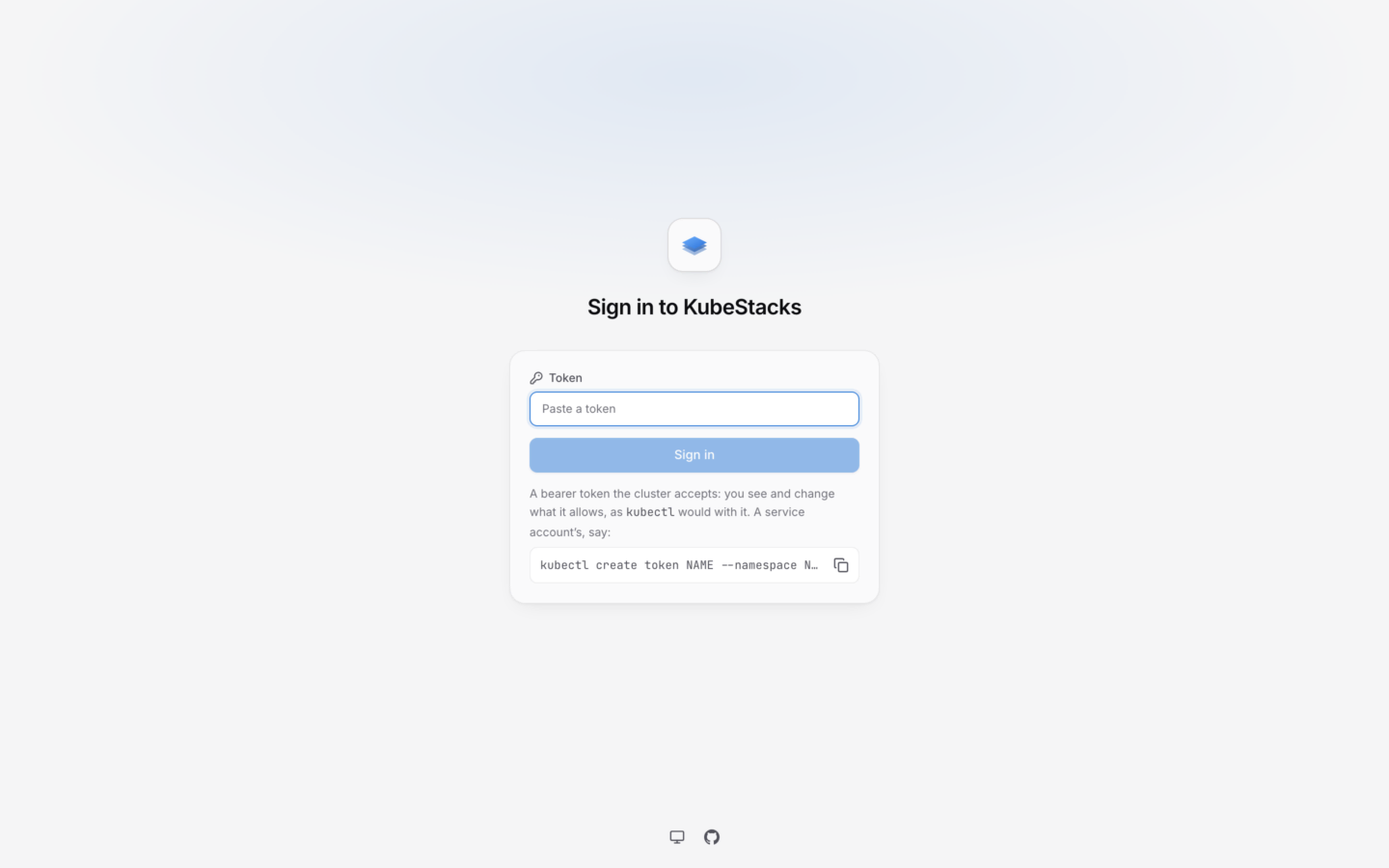
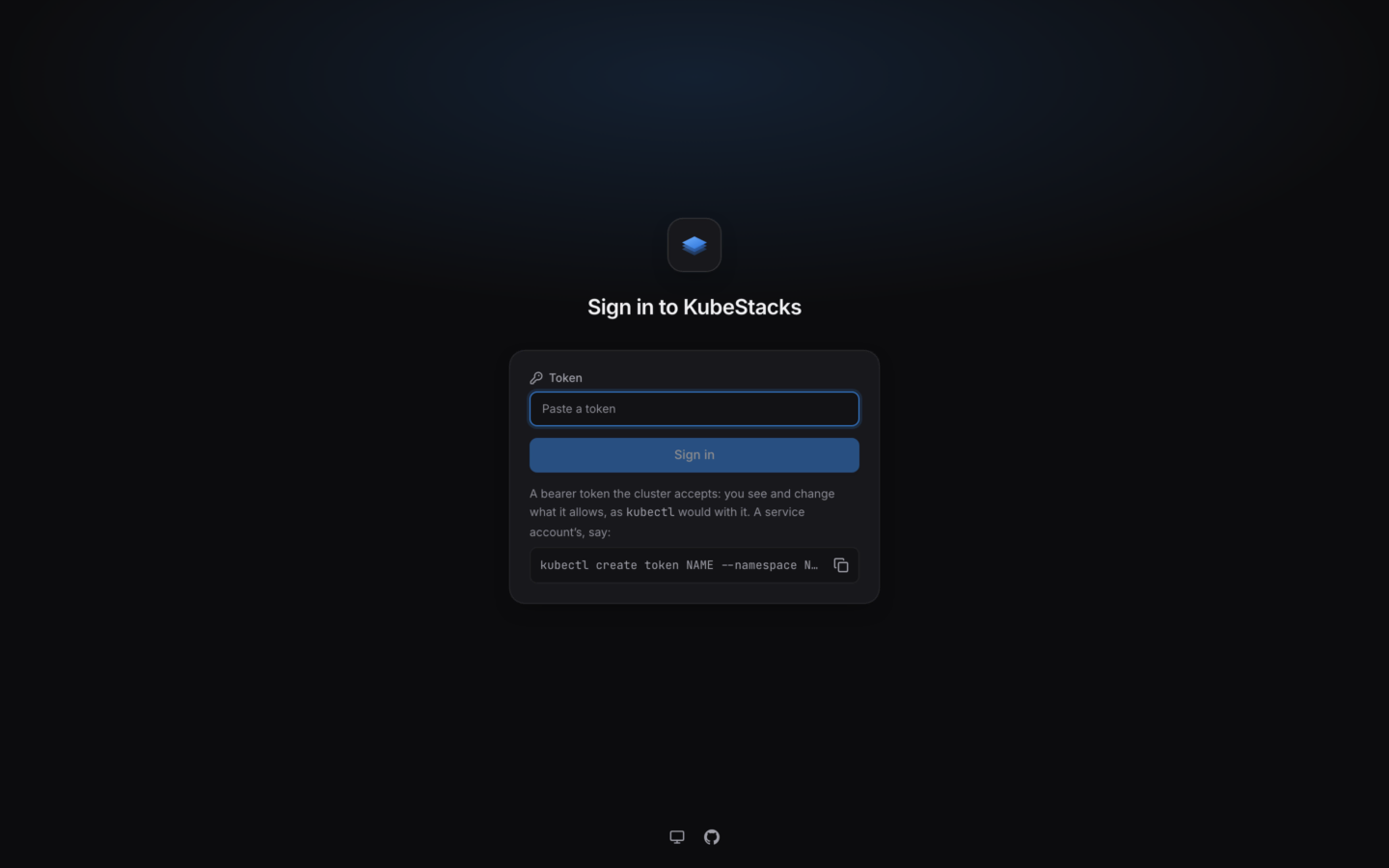
Signing in with a token.
values.yaml
How signing in works
1
Someone pastes a token
On the sign-in page, under Token, then Sign in.
2
KubeStacks asks the cluster whose it is
It sends a SelfSubjectReview with the token, and the API server answers with the user and groups the token belongs to. A token the cluster rejects gets The cluster doesn’t accept this token.
3
A session starts
KubeStacks keeps the token in its memory, and gives the browser a random session ID in a cookie. From then on, every request that person makes carries their token.
Which tokens work
Any bearer token the API server accepts:-
A service account’s token. Good for trying KubeStacks, for shared read-only access, or for automation. Bind the service account a role, then make a token for it:
The token is valid for an hour.
--durationasks for a longer one, up to what your API server allows. -
A token from your identity provider, if the API server accepts it: through its
--oidc-*flags, or a structured authentication configuration. Then people sign in as themselves.
When sessions end
- The token expires, or is revoked. The next time the cluster refuses it, the session ends, and KubeStacks asks for another token: Your session ended. Sign in again to carry on where you were.
- The session reaches its length. Sessions last 12 hours unless
auth.sessionHourssays otherwise, at most a week. - Someone signs out, from the account menu at the bottom of the sidebar. That ends their session in every tab.
- KubeStacks restarts. Sessions live in its memory, so an upgrade signs everyone out.
Give people the access they need
KubeStacks shows each person exactly what their token allows, and turns off the actions it doesn’t, saying why. To let a team work in its own namespaces, bind its service account (or its people) a role there:Single sign-on
Let people sign in with your identity provider instead.
Signing in, for your team
The page to send people who’ll use KubeStacks.