

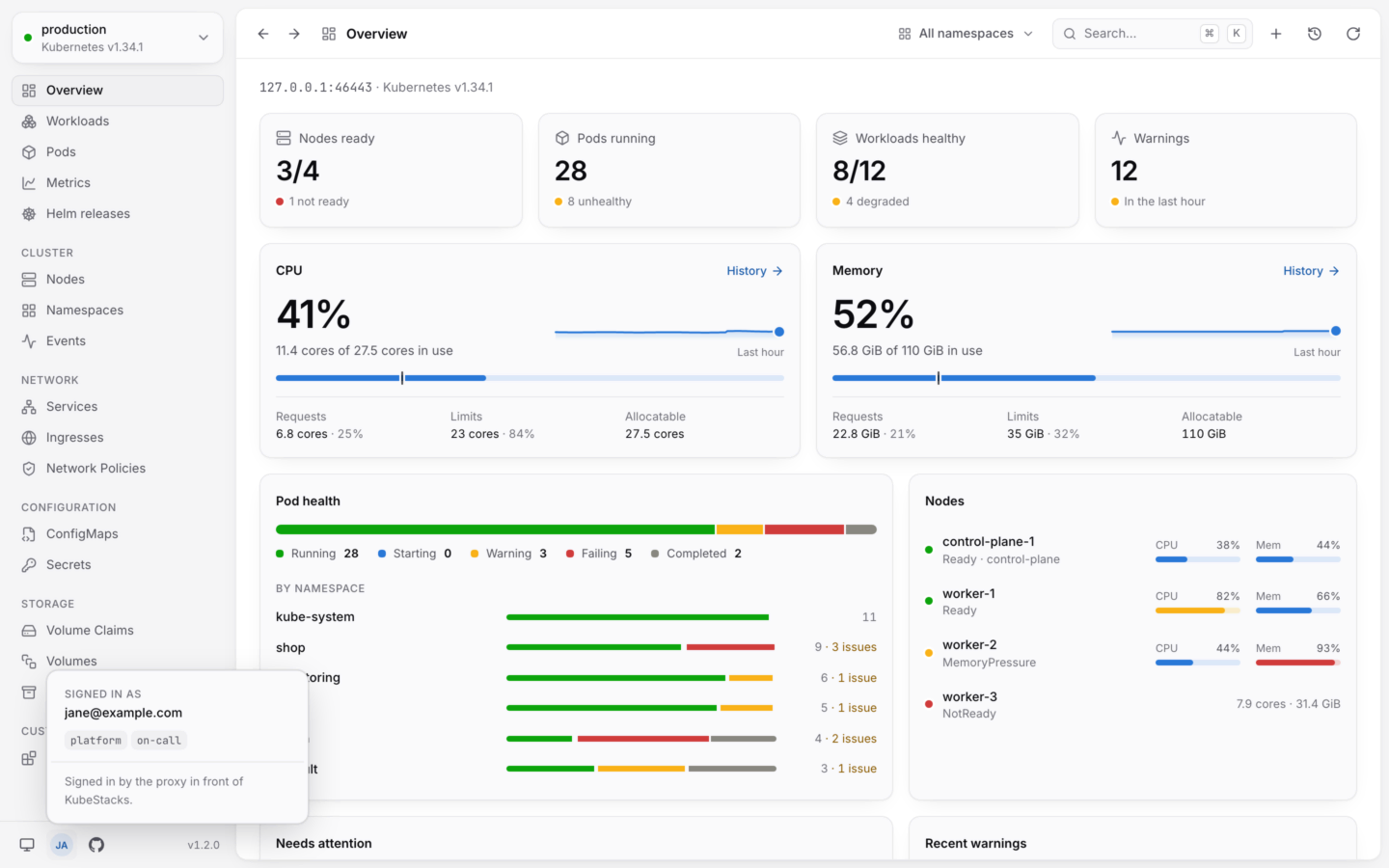
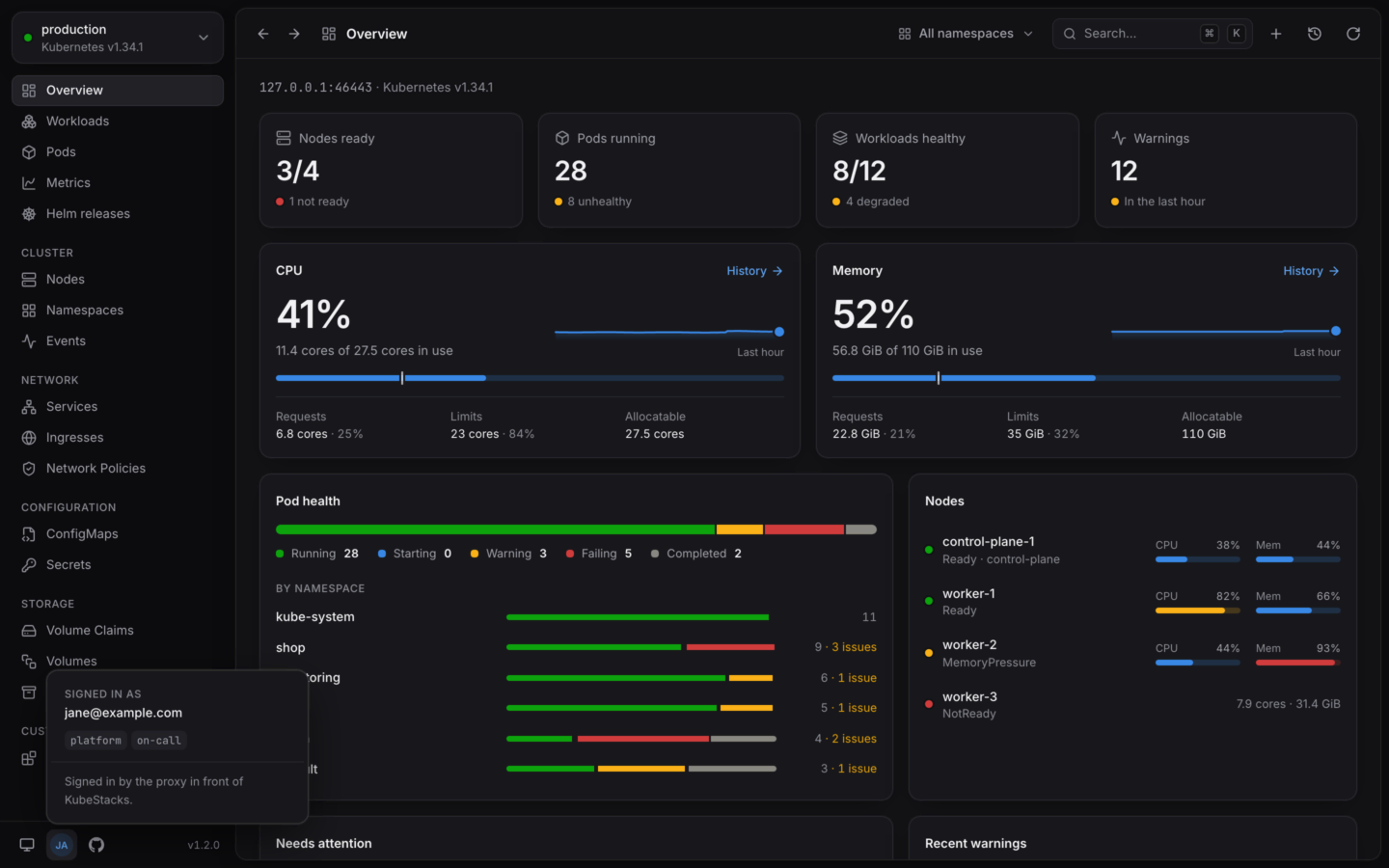
KubeStacks served from a cluster, with the menu of who's signed in open.
Install it
One Helm chart, then a port-forward or an ingress. A few minutes.
Joining a team that runs it?
Nothing to install. Here’s how signing in works.
How it works
KubeStacks runs as one pod with a Service in front of it. Each page in a browser keeps one WebSocket open to it, and KubeStacks makes every request to the API server as the person who signed in, so the API server applies their RBAC. KubeStacks never gives anyone more than their own permissions. It reaches the API server as that person in one of two ways:- With their own token. Their requests carry a token the cluster checks itself. KubeStacks’ service account needs no permissions at all.
- By impersonating them. KubeStacks sends its service account’s credentials with
Impersonate-UserandImpersonate-Groupheaders. The API server checks that the service account may impersonate, then applies the person’s RBAC.
Ways to sign in
When people’s own tokens reach the cluster, its audit log names them directly. When KubeStacks impersonates them, the audit log records KubeStacks’ service account acting as them. The chart grants the impersonation permission only in the modes that need it.
Signing in with a token needs Kubernetes 1.28 or later: KubeStacks asks the cluster whose token it is with a SelfSubjectReview. Single sign-on and the proxy work from Kubernetes 1.25, like the rest of KubeStacks.
What’s different from the desktop app
One cluster
One cluster
It shows the cluster it runs in. There’s no list of clusters to switch between.
No port forwarding
No port forwarding
There’s no computer of the user’s to forward a port to, so Forward a port… isn’t offered. See Port forwarding for the desktop app.
Charts come from repositories, registries or URLs
Charts come from repositories, registries or URLs
Never from files on anyone’s computer. KubeStacks fetches charts only from public addresses unless
helm.allowPrivateCharts allows private ones, such as a ChartMuseum or Harbor in your network. Otherwise anyone signed in could make it reach services inside the cluster’s network. See Security.Preferences belong to each browser
Preferences belong to each browser
The theme, whether the cluster is read-only for you, and where your usage history comes from are kept in your browser. Each person can make KubeStacks read-only for themselves;
readOnly: true makes it read-only for everyone.Upgrading KubeStacks is upgrading the chart
Upgrading KubeStacks is upgrading the chart
The server doesn’t update itself. See Upgrade.
A few shortcuts belong to the browser
A few shortcuts belong to the browser
Keyboard shortcuts are the same, except ⌘N and ⌘1…⌘6 (Ctrl on Windows and Linux), which browsers keep for themselves. The command palette (⌘K) has those commands. See Keyboard shortcuts.
Pages you can share
In a browser, every page has a real address: a list with its filters and sort order, an object’s detail panel, a Helm release. Copy the address bar and send it. Whoever opens it signs in, then lands on the same page, seeing what their own permissions allow.The image
Imageghcr.io/kubestacks/kubestacks
Platformslinux/amd64, linux/arm64
Runs asNon-root, no shell
Writes to/tmp only
oci://ghcr.io/kubestacks/charts/kubestacks. It’s released with KubeStacks itself, so the chart’s version is the app’s.
Requirements
- Kubernetes 1.25 or later, and 1.28 or later to sign in with tokens.
- Helm, to install the chart. Helm 3.8 and later read charts from OCI registries.
- An ingress controller, if you want KubeStacks at an address of its own. A
kubectl port-forwardis enough to try it.
Install it
Helm install, open it, sign in.
Security
What KubeStacks can do, and how to keep it contained.