

kubectl get prints.
At a glance
Every list starts with Name, then Status for kinds that have one, then the kind’s own columns, and ends with Age. Health and status explains how each status is worked out.
Every kind except Events can also be given new labels and annotations (Edit labels…), edited as YAML (Edit YAML), and deleted (Delete…). The tables below list what each kind adds. See Actions by kind for how each one works.
Workloads
The Workloads page lists Deployments, StatefulSets, DaemonSets, Jobs and CronJobs together, with a tab for each kind. See Workloads.- Restart on a pod deletes it so its controller makes a new one, so it’s offered only for pods something manages. Forward a port… is in the desktop app only.
- Suspend isn’t offered for a Job that has finished.
Cluster
The CPU and Memory columns of nodes are meters of live usage. Without metrics-server, they show what’s allocatable instead. Events have a list of their own, sorted by when they were last seen, with no Name or Age.
Network
Configuration
Lists of Secrets carry only the names of their keys. Values are read when you open one, and stay hidden until you reveal them. See Config and storage.
Storage
Every other kind
Custom resources, and Kubernetes’ own less common kinds (Leases, PodDisruptionBudgets, CustomResourceDefinitions…), are found through API discovery. They’re all in API resources, in the sidebar and the command palette, grouped by API group likekubectl api-resources.
- Names. KubeStacks names a kind with its API group, like
Certificate.cert-manager.io. ⌘K finds a kind by its name, short name or group. - Columns. The ones the API server prints for the kind, as
kubectl getshows them (a CRD’s printer columns), unless a view gives it better ones. - Status. Read from the conventions most controllers follow:
Ready-like conditions,StalledandReconciling, a spec the controller hasn’t caught up with, suspension, or a phase. A view can set its own rules. - Actions. Edit labels, edit YAML and delete, like any kind. Kinds with the scale subresource (an Argo Rollout, say) can be scaled like Deployments, and views add actions of their own, like Sync or Reconcile.
- Sidebar. The custom resources you opened last in a cluster are listed under Custom resources, and you can pin any of these kinds to the sidebar.
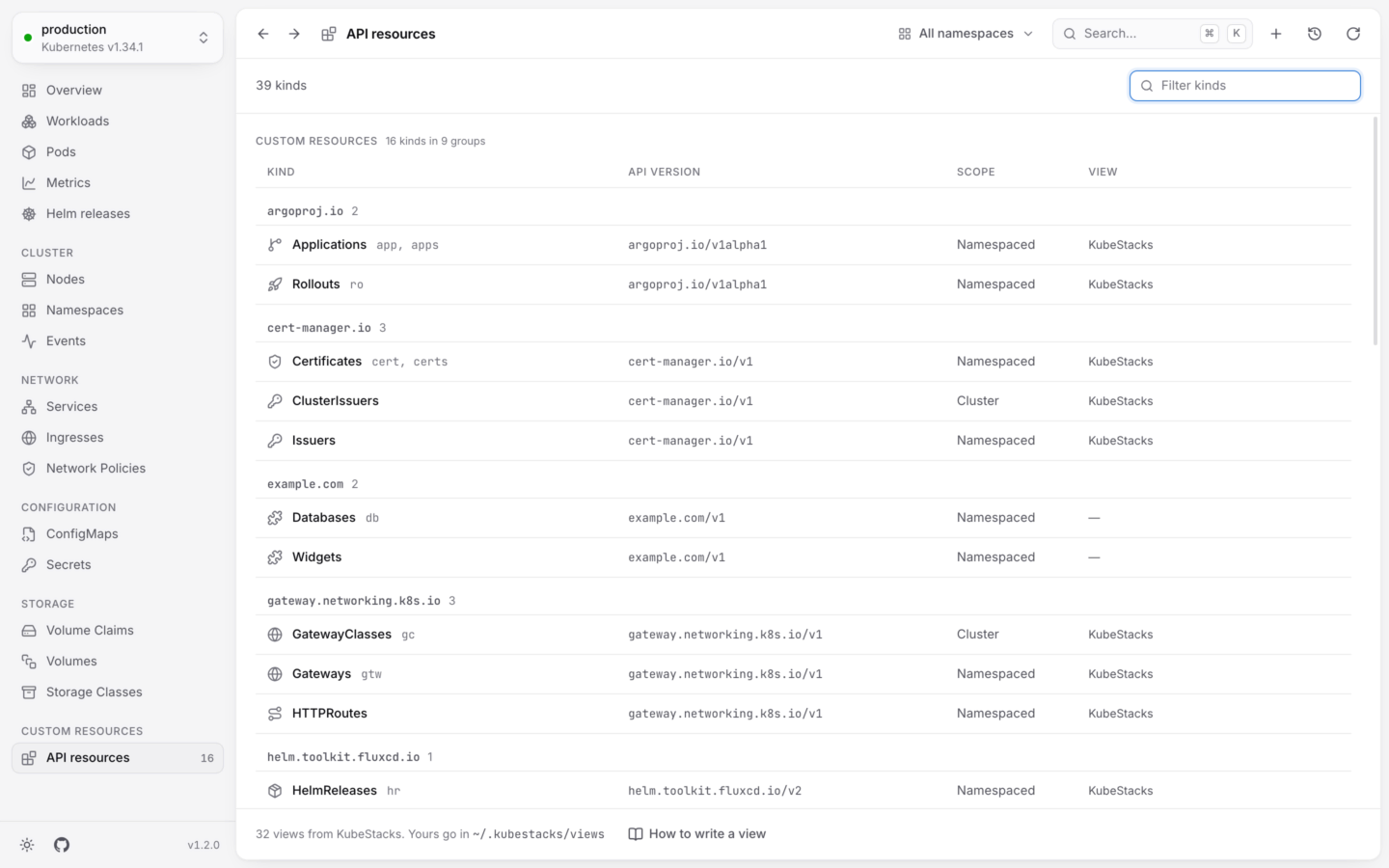
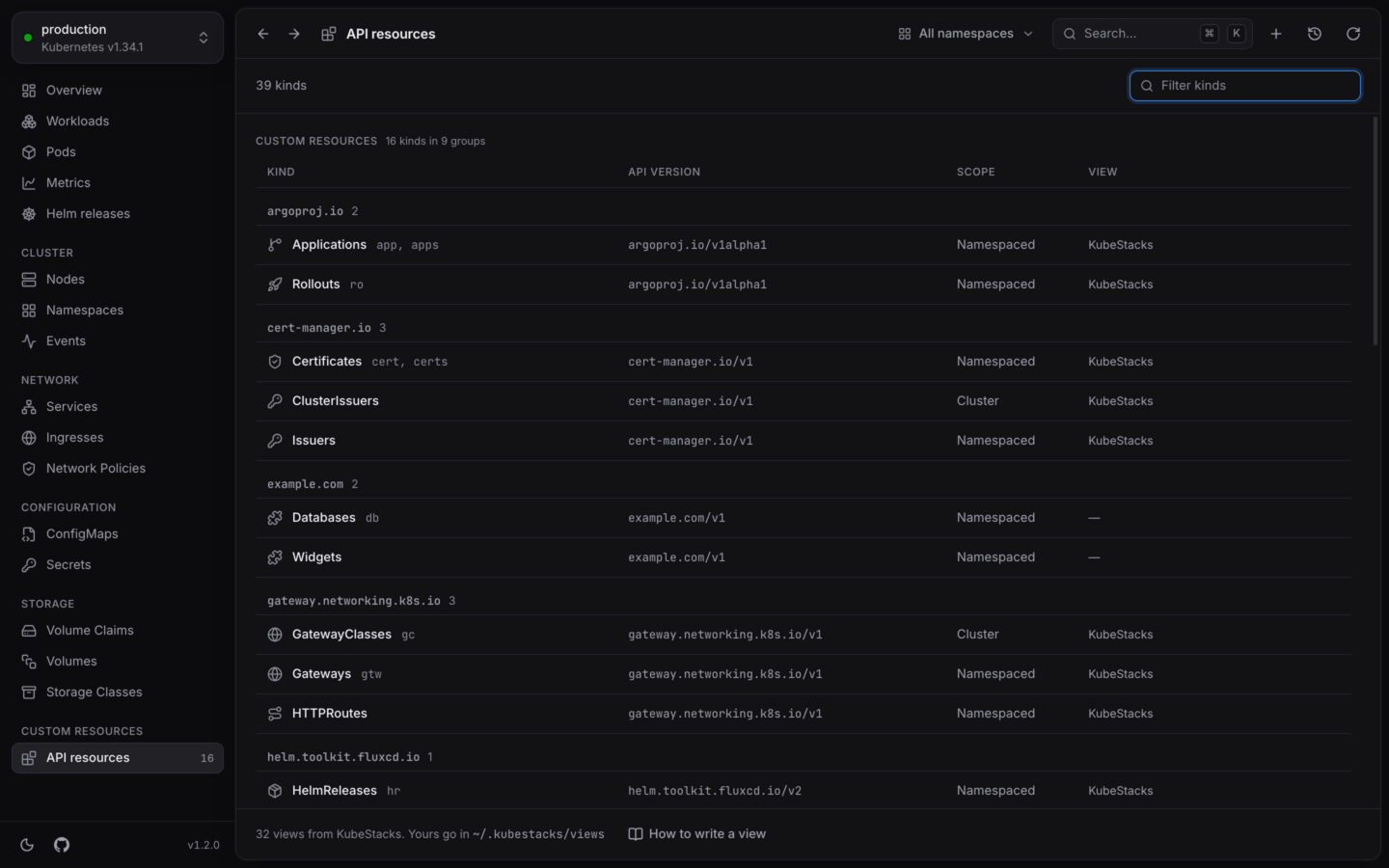
Every kind the cluster serves, custom resources included.