

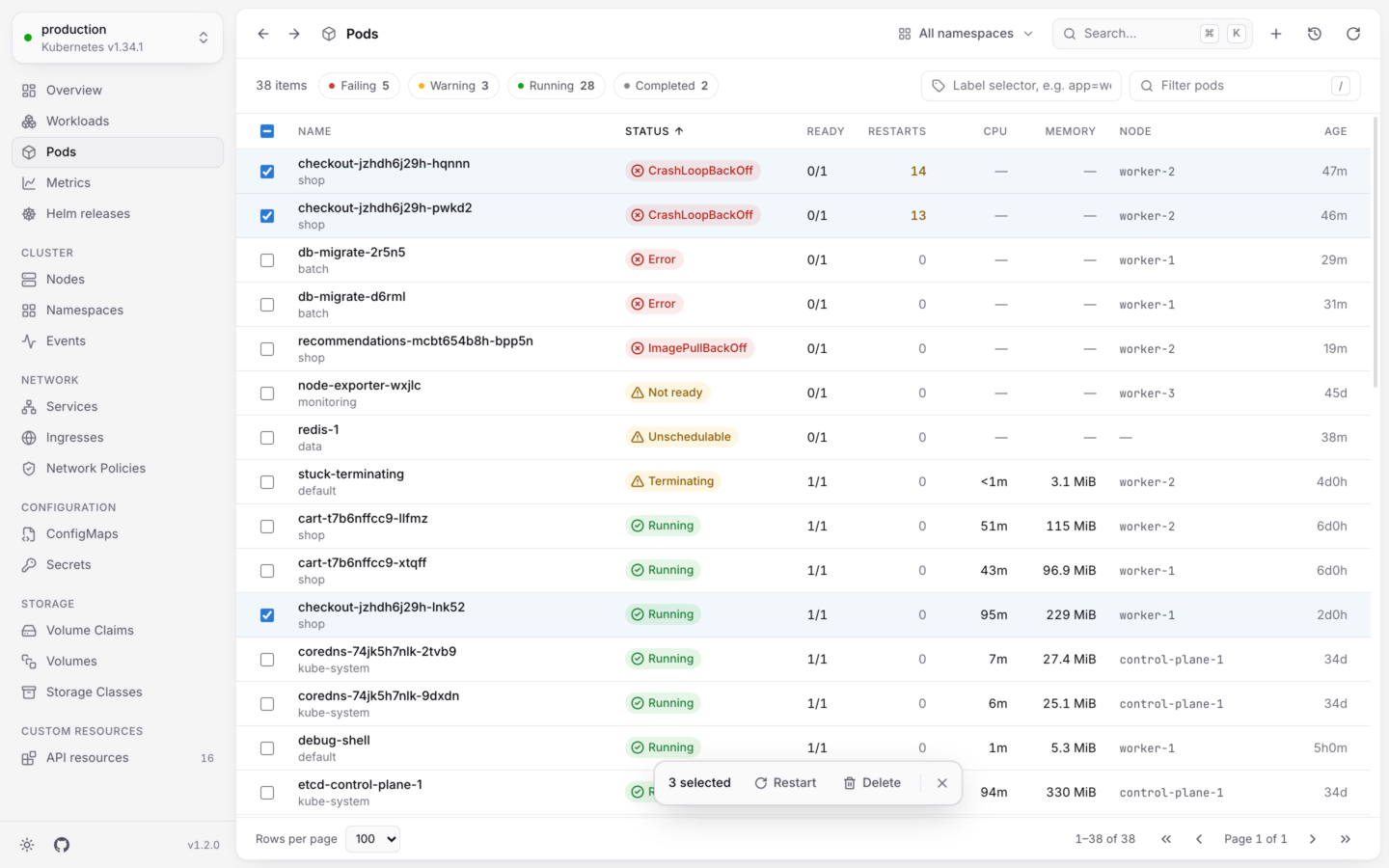
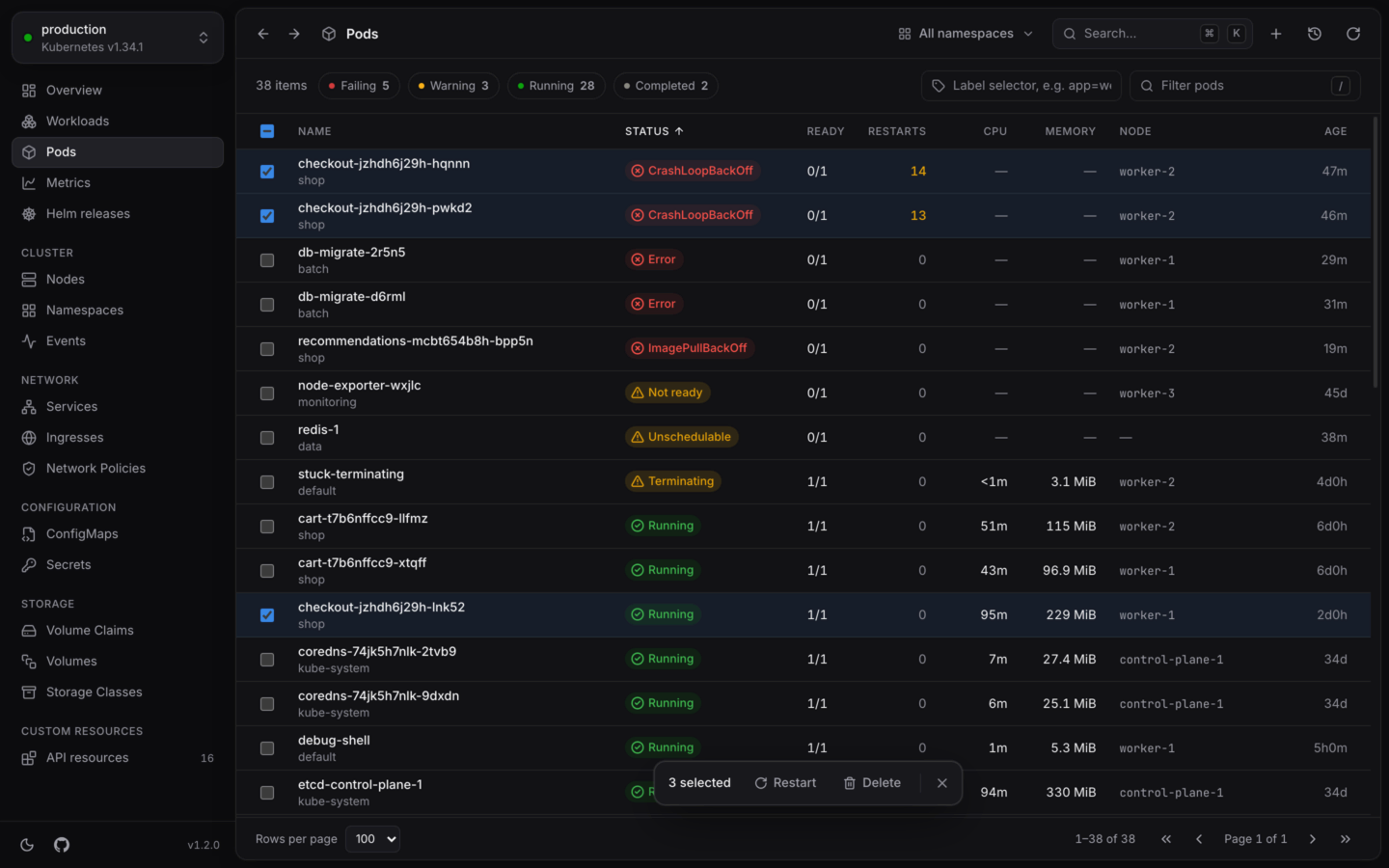
Several pods picked, to act on them at once.
Pick rows
Selecting works in every list, and on the Workloads page across kinds.
A bar at the bottom of the list says how many rows you picked, and offers the actions that apply to at least one of them.
What you can do
If an action applies to only some of the rows you picked, the dialog says how many it leaves out, like “Left out: 2 of the selected, which restart doesn’t apply to.” Those rows are left alone.
Run it
1
Choose the action
Choose it in the selection bar. The dialog lists every object it will change, and the equivalent
kubectl commands: one line for each namespace and kind.2
Confirm
Confirm, and the changes run, four at a time. Each object shows its own progress, and the reason if it fails.
3
Retry what failed
If some couldn’t be changed, the dialog says how many (“2 of 12 couldn’t be changed; see why below.”) and the button becomes Retry failed. It runs the action again, only for those.
Deleting many at once
Bulk delete removes each object the way a single delete does by default: anything an object owns is deleted after it. There’s no force option, and no choice of what happens to owned objects. For those, delete one at a time. See Actions by kind. Some deletes ask you to type what’s being done before they run:- Deleting Namespaces, Nodes, PersistentVolumes, PersistentVolumeClaims, StorageClasses or CustomResourceDefinitions.
- Deleting anything in a cluster whose name looks like production. See Changing things safely.
delete namespaces, delete volume claims or, on the Workloads page, delete workloads.
Good to know
- No undo. Changes made together can’t be undone from their notification. Each one is in the Activity log, with its command.
- Permissions are checked by the cluster. Bulk actions don’t check your permissions before they start. Objects you can’t change fail with the cluster’s reason, and the rest go ahead.
- Read-only clusters. In a read-only cluster, the actions in the selection bar are disabled.
Actions by kind
Everything you can do to one object, with all its options.
Undo and activity
Take changes back, and see everything you changed this session.