

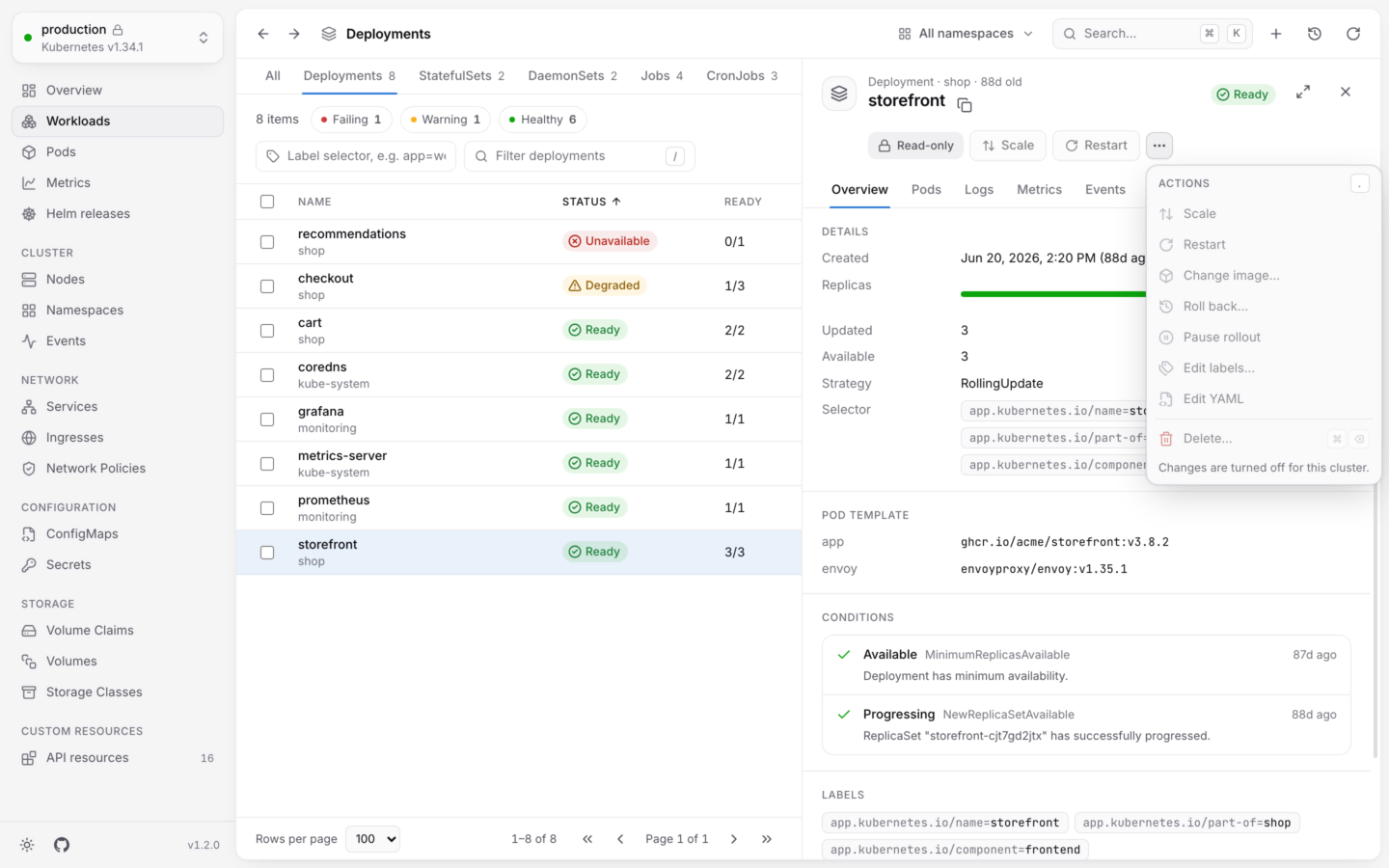
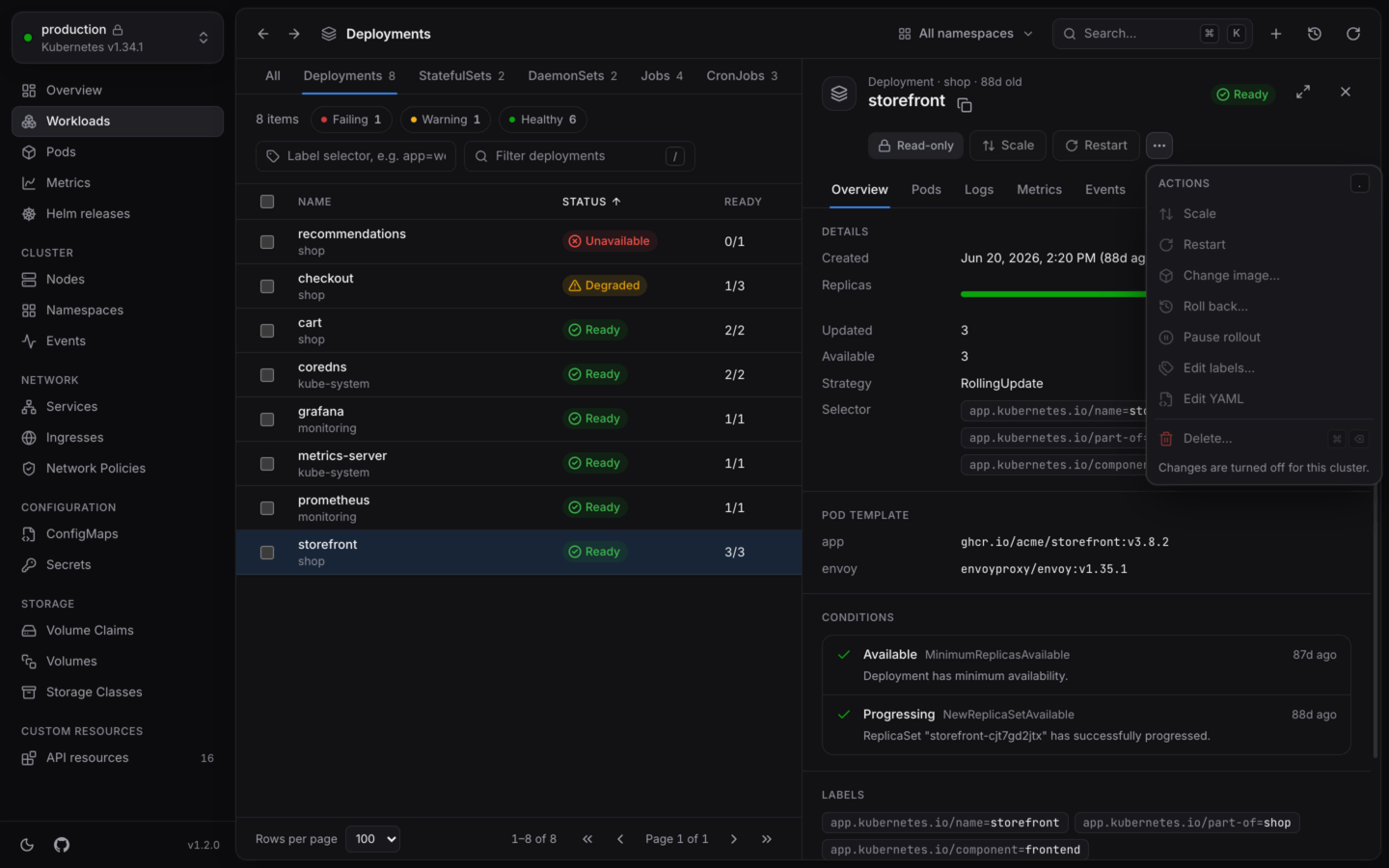
A cluster made read-only: KubeStacks won't change anything in it until allowed.
For one cluster
- Cluster switcher
- Command palette
Open the cluster switcher at the top of the sidebar, and turn on Read-only. Its caption reads “KubeStacks won’t change” and the cluster’s name.
For every cluster
SetKUBESTACKS_READ_ONLY to 1 (or true) in the environment KubeStacks starts in. Every cluster is read-only, and it can’t be turned off from the app: the switch is disabled, with the caption “Set by KUBESTACKS_READ_ONLY”. That makes it a good fit for shared machines, demos and screen shares.
What it turns off
It isn’t only the buttons. The part of KubeStacks that talks to your clusters (the desktop app’s main process, or the server when KubeStacks runs in your cluster) refuses every change to a read-only cluster, whatever asks for it:production is read-only in KubeStacks. Allow changes to it to continue.
Actions that are off stay visible, disabled, with “Changes are turned off for this cluster.”
In your cluster
When KubeStacks runs in your cluster as a shared dashboard, read-only works at two levels:- For everyone. Set
readOnly: truein the Helm chart’s values (KUBESTACKS_READ_ONLY=truewhen you run the image another way). Nobody changes anything through KubeStacks, whatever their RBAC allows. The switch shows “For everyone, on this server”. See Helm values. - For yourself. Anyone can make the cluster read-only for themselves from the cluster switcher or the command palette. It’s remembered by their browser, and the server enforces it for their session.
Read-only mode is a guard rail in KubeStacks, not a permission. To keep someone from changing a cluster at all, give their account read-only RBAC, like the built-in
view ClusterRole. See Permissions.Changing things safely
The other guard rails, for when changes are on.
Environment variables
Everything KubeStacks reads from its environment.