

kubectl does, and keeps your credentials on your computer. You don’t need kubectl installed.
Download KubeStacks
The website picks the right installer for your computer. Every installer is also on the latest GitHub release.
Install
- macOS
- Windows
- Linux
For macOS 12 or later, on Apple silicon and Intel. The app is signed and notarized by Apple.
1
Download the disk image
Pick the one for your Mac:
Not sure which you have? Choose Apple menu → About This Mac, and look at Chip or Processor.
2
Drag KubeStacks to Applications
Open the
.dmg, and drag KubeStacks into the Applications folder.3
Open it
Open KubeStacks from Applications, Launchpad or Spotlight. It finds your clusters straight away.
Prefer a
.zip? Each release has one for Apple silicon and one for Intel, next to the disk images.Open your first cluster
KubeStacks starts on a list of every cluster in your kubeconfig, each with a status: its Kubernetes version and how fast it answered, or why it can’t be reached.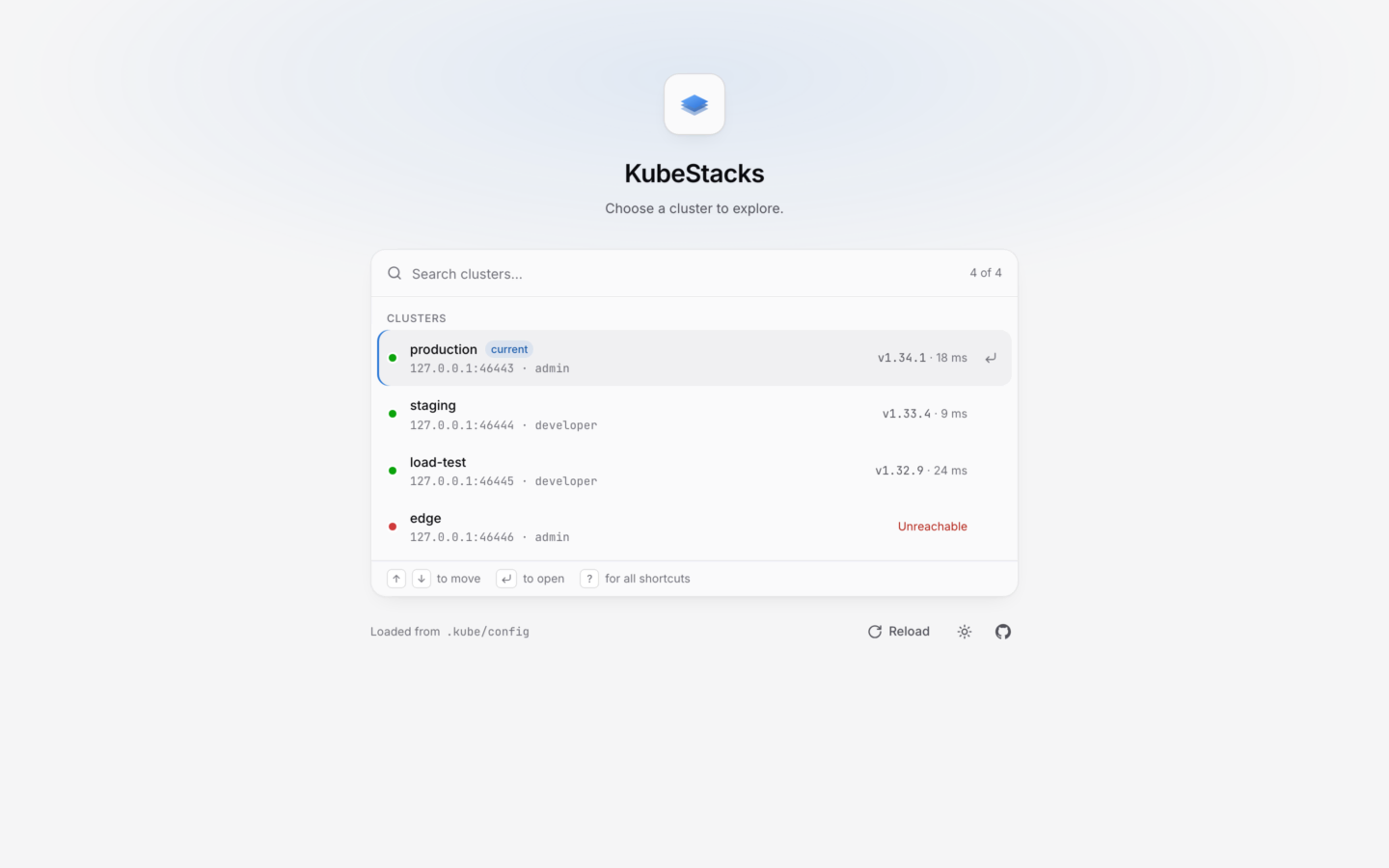
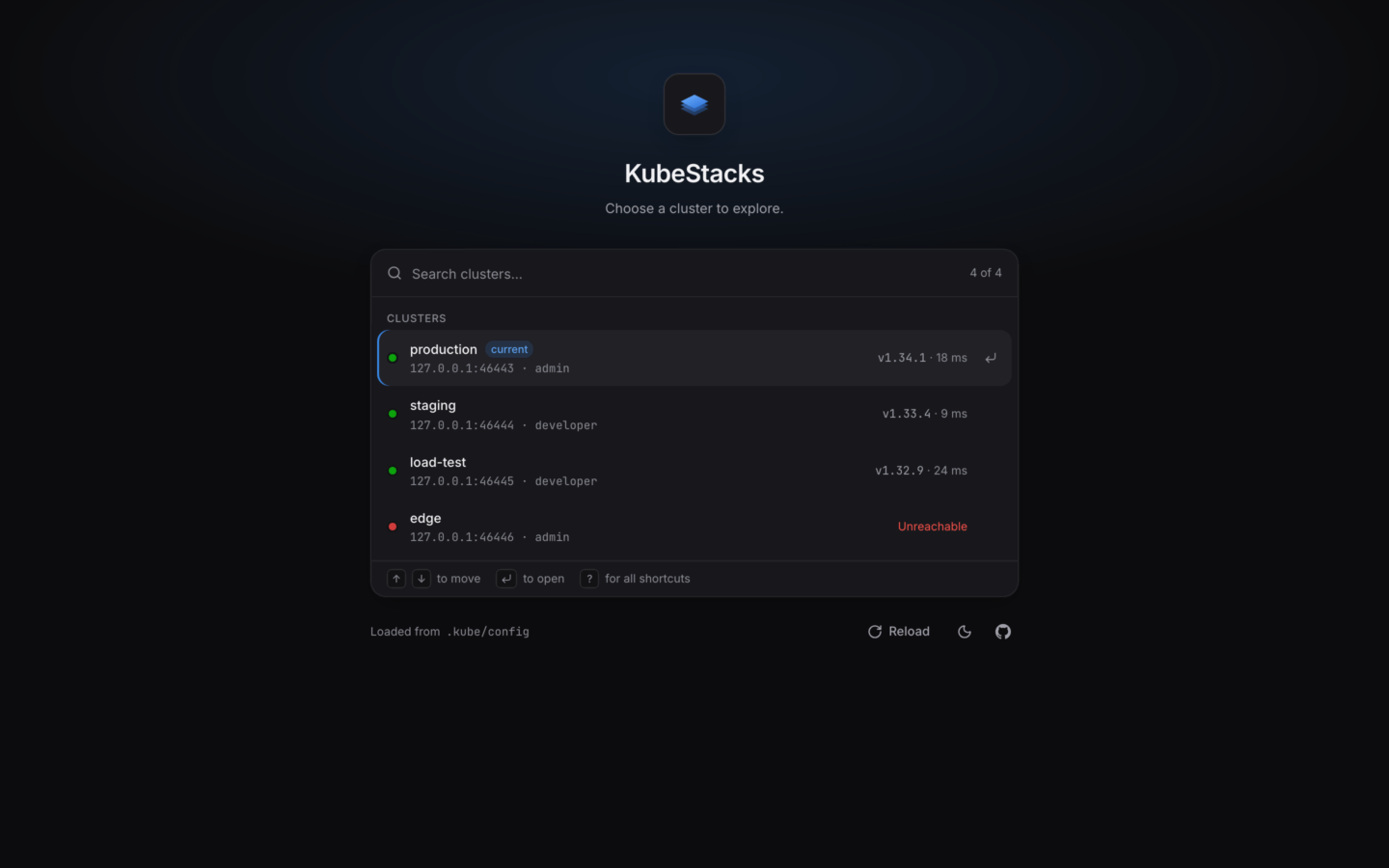
The start screen: every context in your kubeconfig, checked as it opens.
Take the tour
Five minutes through the app’s main ideas.
Connecting clusters
Multiple kubeconfigs, credential plugins, and what each status means.
Staying up to date
KubeStacks keeps itself up to date. It looks for a new version shortly after it starts and every few hours after that, downloads it in the background, and installs it when you quit. When one is ready, a notice offers Restart now, What’s new or Later.- Help → Check for Updates… looks right away.
- Help → Check for Updates Automatically turns the background checks off.
Verify your download
Every release lists the SHA-256 checksum of each installer inSHA256SUMS.txt, and each file has a signed build provenance attestation.
Requirements
macOS12 or later
Windows10 or later
LinuxRecent, 64-bit
Kubernetes1.25 or later
- kubectl isn’t needed. KubeStacks talks to the API server itself.
- Helm is needed only to change Helm releases. Looking at them needs nothing.
- Kubernetes 1.27 or later lets KubeStacks explain fields from the cluster’s own OpenAPI schema. Older clusters work, without the explanations.