

helm. Like an upgrade, it’s reviewed as a server-side dry run before anything is created.
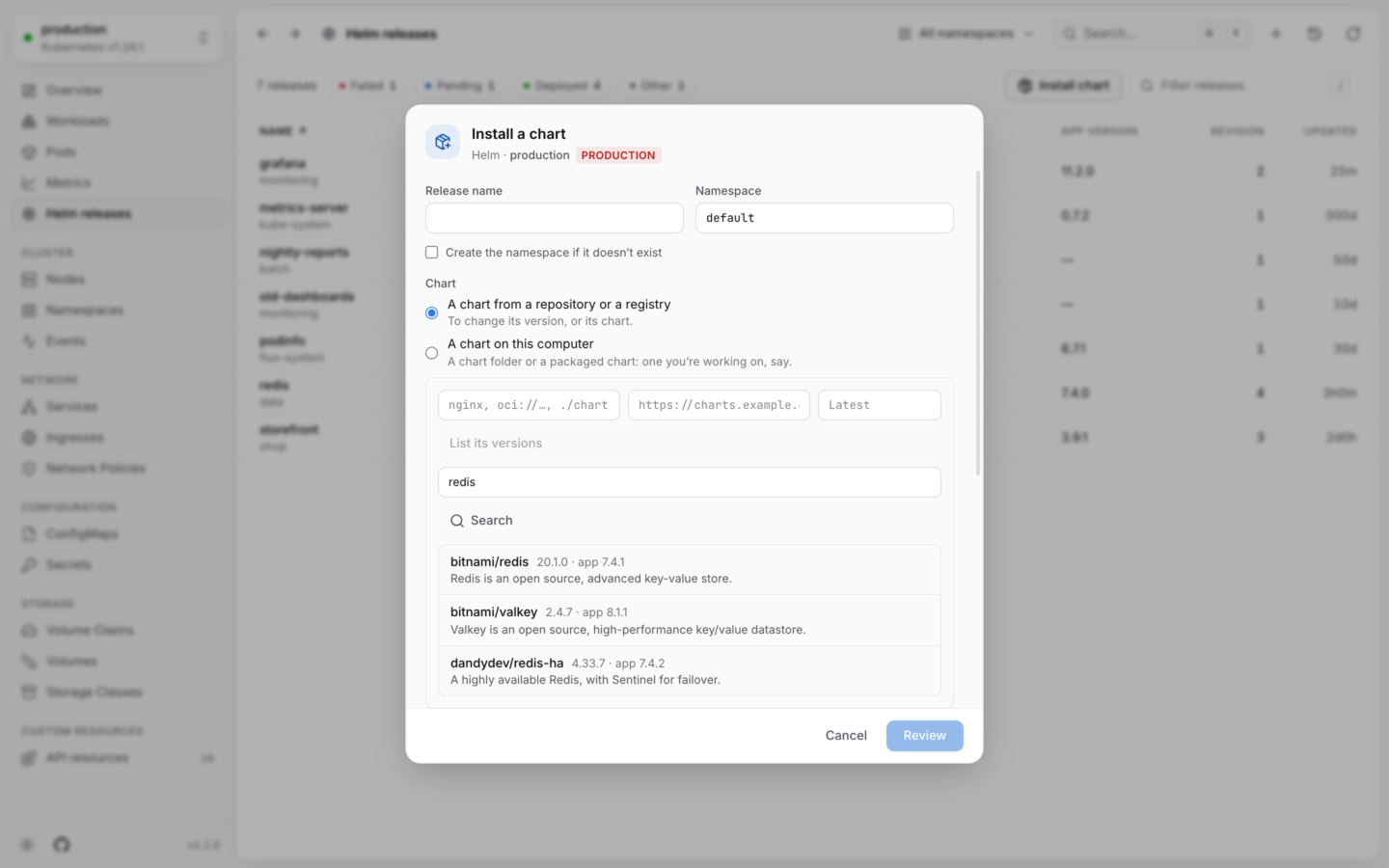
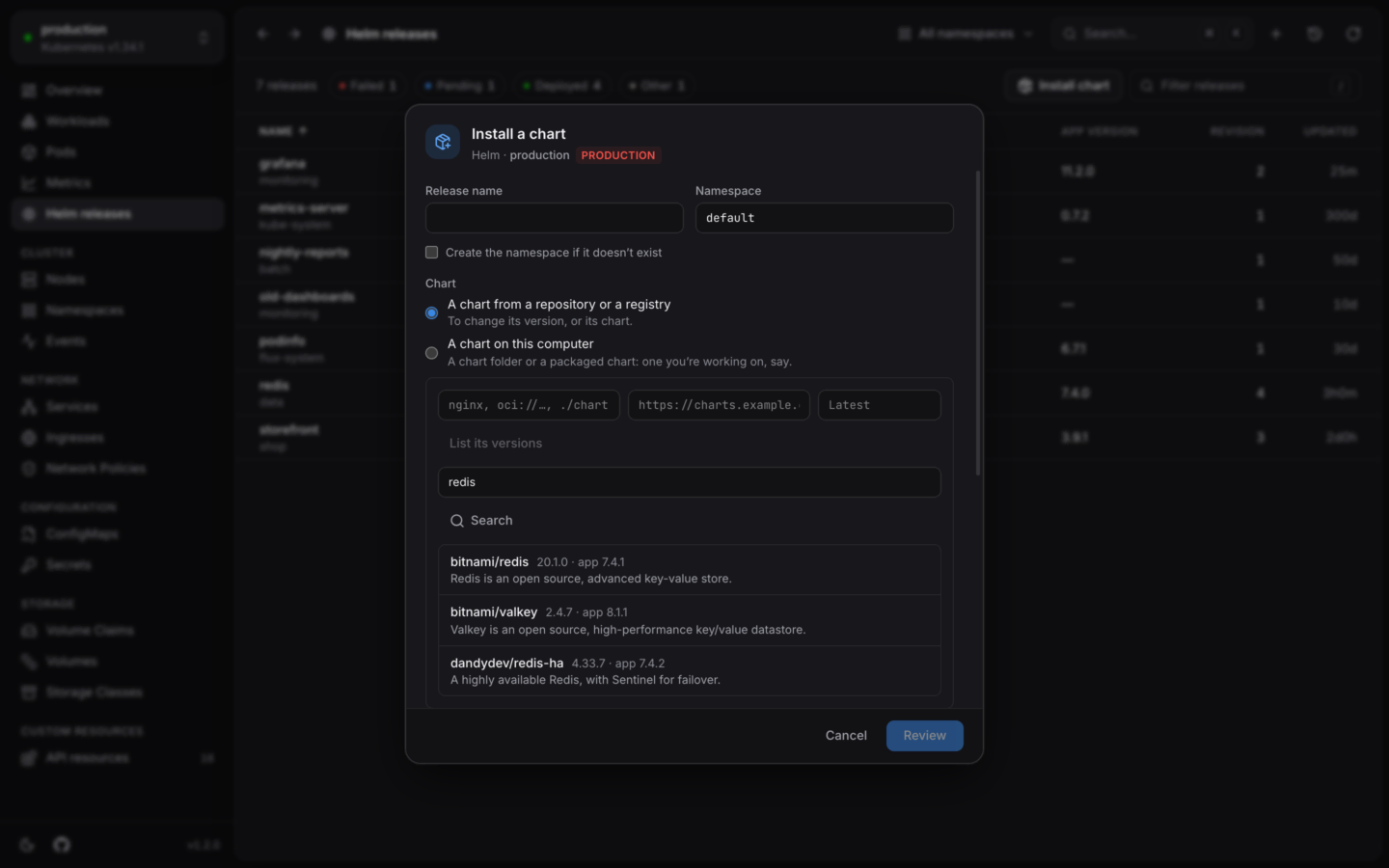
Finding a chart on Artifact Hub to install.
1
Name the release
Type a Release name, and the Namespace to install it in. The namespace starts as the one you picked in the namespace menu, or
default.Tick Create the namespace if it doesn’t exist for a new one (--create-namespace).2
Find the chart
- Search Artifact Hub
- Type it
- On this computer
Type what you’re looking for in Search Artifact Hub and press ↵. Up to 20 matches show, with their repository, latest version, app version and description. Pick one, and its name, repository and version fill in.
3
Set values
The editor starts empty: the chart’s defaults apply as they are. Add only what you want to change.Start from the chart’s defaults fills the editor with the chart’s own
values.yaml, so you can see everything it lets you set, and edit from there.4
Review, then install
Review (or ⌘S in the editor; Ctrl+S on Windows and Linux) runs the install as a server-side dry run. You see that the cluster accepts it, the manifest it would create, and the chart’s notes. Then Install, or Back to editing.
Artifact Hub
KubeStacks talks to Artifact Hub only when you search it. To search another instance, setKUBESTACKS_ARTIFACT_HUB_URL (the chart’s helm.artifactHubUrl when it runs in your cluster).
Where charts may come from
In your cluster: charts come from repositories, registries or URLs, never from files on the server. KubeStacks fetches them only from public addresses, so that anyone signed in can’t make it reach services inside the cluster’s network. To install from a ChartMuseum or Harbor on your network, the administrator sets
helm.allowPrivateCharts: true. See Helm values.Charts on your computer
Install the chart you’re working on, checked with helm lint.
Helm releases
Read what a release made, its values and its history.