

kubectl exec -it, right in the pod’s panel. For images with no shell at all, it adds a debug container that brings its own tools, like kubectl debug.
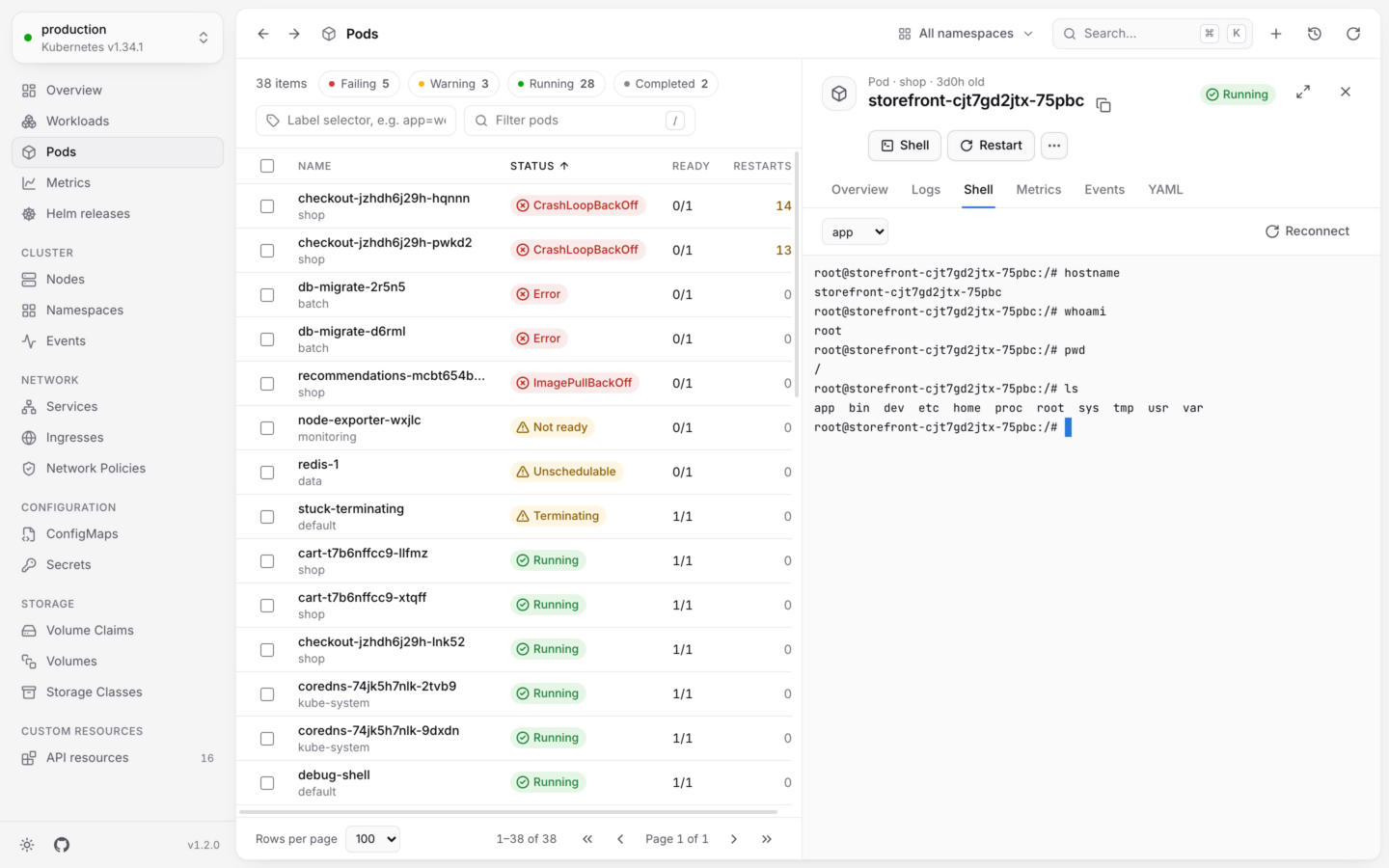
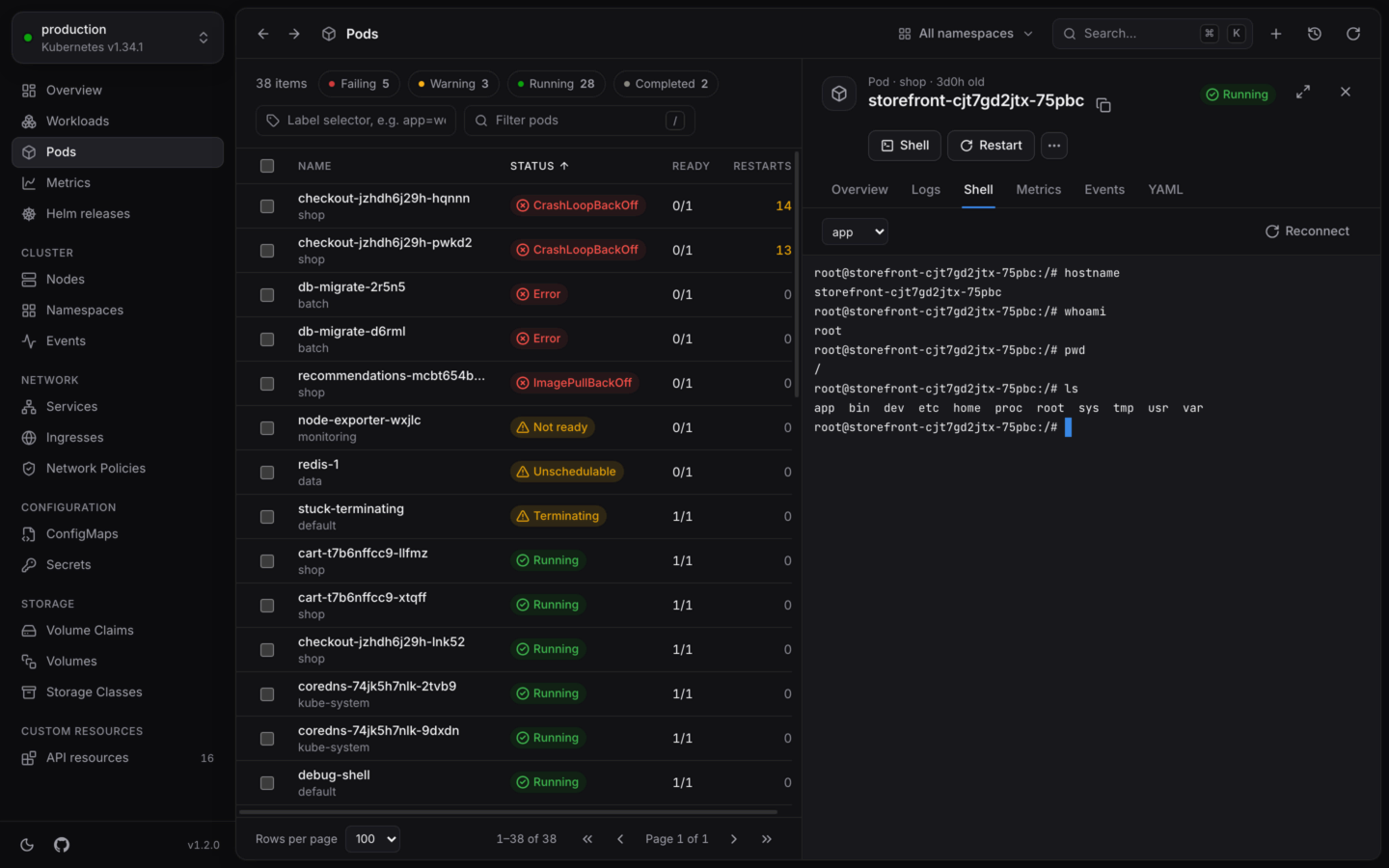
A shell in a running container.
Open a shell
1
Open a running pod
Find the pod in Pods, or in a workload’s Pods tab, and open it.
2
Choose Shell
Choose Shell at the top of the panel, or open the Shell tab.
3
Pick the container
The terminal connects to the pod’s first container. Pick another from the container menu; debug containers you’ve added are listed too.
bash when the container has it, and sh otherwise. There’s nothing to choose:
In the terminal
- The terminal fits the panel, and the container learns its new size when you resize the panel. Expand the panel for more room.
- It keeps 5,000 lines of scrollback, and uses the app’s colors in light and dark.
- Keys go to the terminal: Esc works in
viandless, and doesn’t close the panel. - Reconnect starts a fresh session in the same container.
When it ends
The session ends when the shell exits, when the connection to the container closes, or when you close the tab, open something else or quit. The terminal says why:
Reconnect starts again either way.
When a shell isn’t offered
Debug containers
Distroless and scratch images have no shell, and many slim images have no tools. A debug container fixes both: KubeStacks adds a temporary container with the tools you pick to the running pod, and opens a shell in it. The pod’s own containers aren’t restarted.1
Choose Debug…
Open a running pod, and choose Debug… from its actions. Or choose Debug where a shell says the container has none.
2
Pick an image
3
Choose whose processes to share
Share processes with a container to see its processes from the debug container, with
ps, and reach its files through /proc. It starts on the pod’s first container. Choose no container to keep them apart.4
Start debugging
Choose Start debugging. KubeStacks adds a container named
debugger- and five random characters, and opens a shell in it, in the pod’s Shell tab.A debug container is an ephemeral container: it stays in the pod until the pod is replaced, and can’t be removed before then. Adding one needs
patch on pods/ephemeralcontainers, and like other changes, it’s off in read-only clusters.Logs
Every pod of a workload, merged in the order lines were written.
Port forwarding
Reach a pod or service from your own computer.