

On Windows and Linux, use Ctrl where these pages say ⌘.
These kinds have no health of their own, so their lists sort by name. To see whether a service has pods behind it, open it.
Services
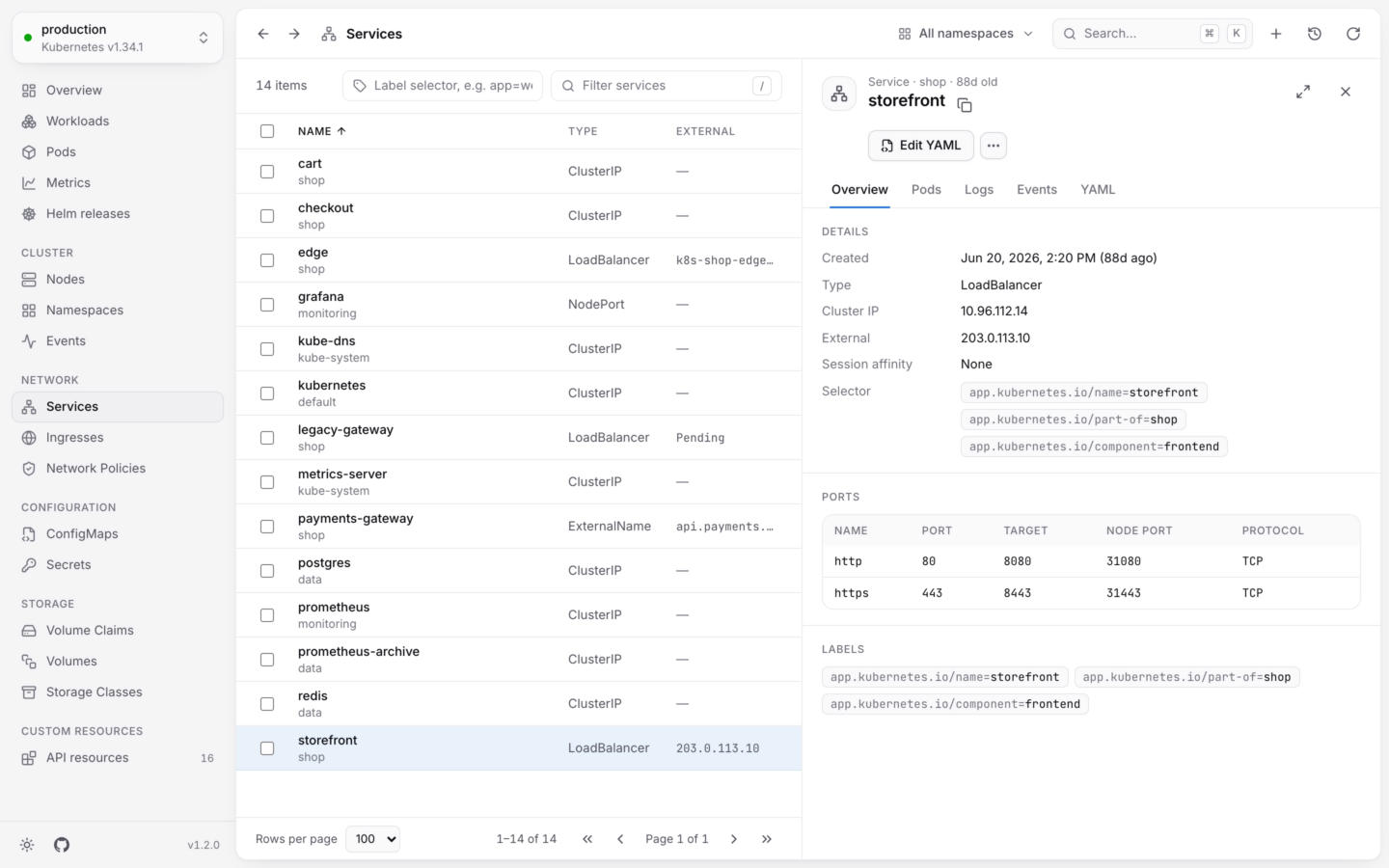
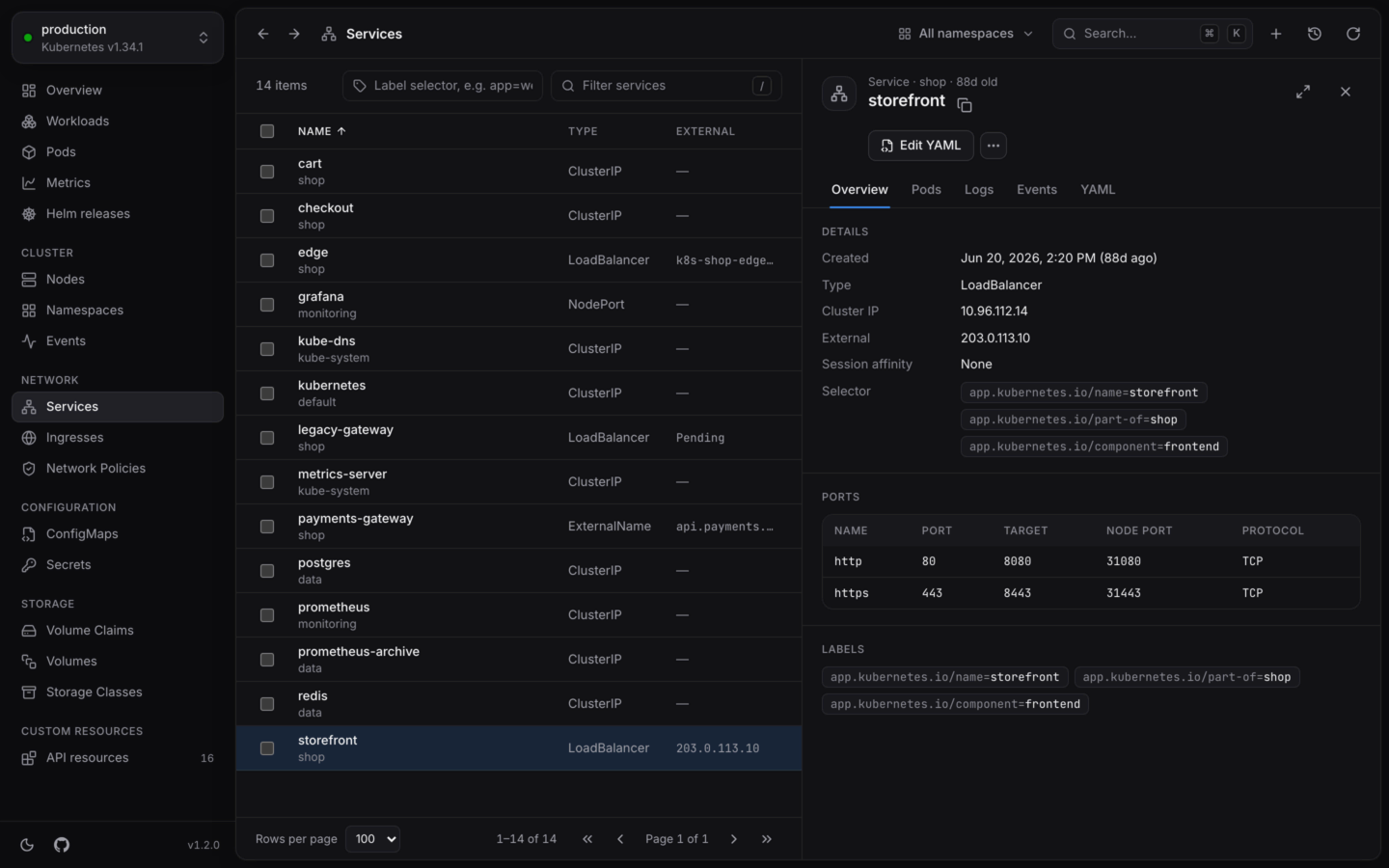
A service, its selector and its ports.
- Details: its type, cluster IP, external address, session affinity and selector.
- Ports: each port’s name, port, target, node port and protocol.
- Pods: the pods its selector matches, failing ones first. If this list is empty, the service has nowhere to send traffic.
- Logs: the logs of every pod behind it, merged in the order they were written. Handy for following a request across replicas. See Logs.
- Events and YAML.
Reach a service from your computer
Desktop app Forward a port… on a service listens on a port on your computer and passes connections to the service’s first ready pod, likekubectl port-forward service/web 8080:80. It works for services with a selector. See Port forwarding.
Ingresses
Open an ingress for its class and address, and its Rules: each host and path, and the service and port it sends traffic to (web:80).
Using the Gateway API or Istio instead? Their kinds, like HTTPRoute, Gateway and VirtualService, have views with the columns and links that matter for them. See Built-in views.
Network policies
Open a policy for the pods it applies to (its Pod selector, or All pods in namespace), its policy types, and how many ingress and egress rules it has. The rules themselves are in YAML.Port forwarding
Reach a pod or service on localhost.
Config and storage
ConfigMaps, Secrets, volumes and storage classes.