

The command palette
Press ⌘K (or click Search… in the header) and type. Case doesn’t matter. Views and commands match when every word you type appears in them, in any order, sovol cl finds Volume Claims. Objects match when their name contains what you typed.
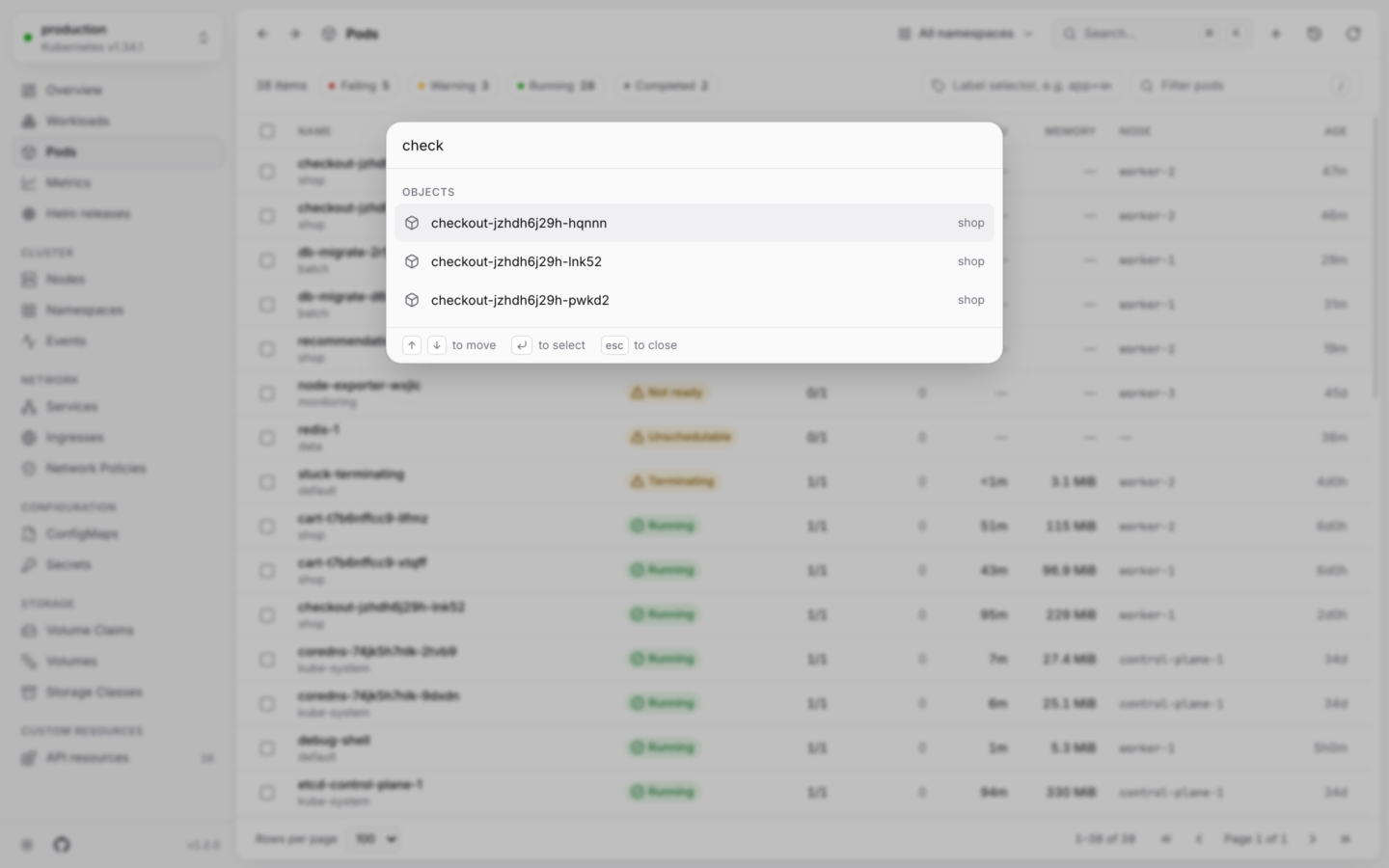
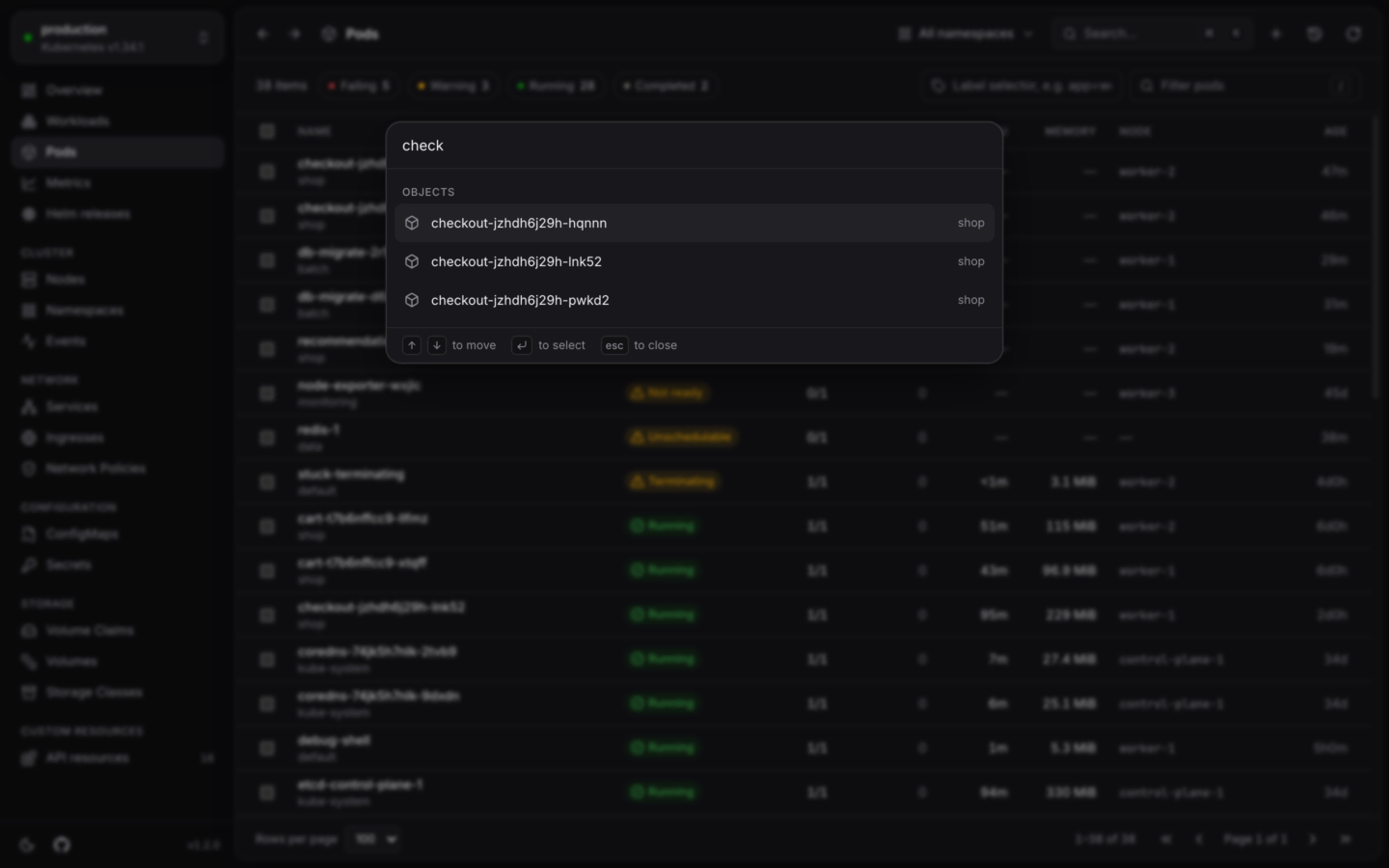
Finding anything in the cluster, or anything to do, from the keyboard.
Move with ↑ ↓, press ↵ to pick, and Esc to close.
Go-to keys
Every main view has a two-key shortcut: press G, then a letter, within about a second. For example G P for Pods, G D for Deployments. The sidebar shows each view’s keys when you hover it, and Keyboard shortcuts lists them all.Narrowing a list
Every list has the same three tools above it.Health
The chips count each health level in the list: Failing, Warning, In progress, Healthy, Inactive (some kinds use their own words, like Running for pods). Click one to show only those, and click more to add them. Click it again to clear it.Filter
Press /, or click the filter box, and type. It matches, without case:- names and namespaces
- labels, written as
key=value, likeapp=checkout - for events, the reason, message and object’s name
- for custom resources, what the list’s columns show
Label selector
The label selector is sent to the cluster, which does the filtering, so it’s the way to narrow lists in big clusters. It takes Kubernetes’ own syntax; press ↵ to apply it.KUBESTACKS_MAX_LIST_ITEMS). When there are more, it says so, with Filter by label, because a selector lets the cluster send only the ones you want.
Sorting and pages
- Sort by clicking a column’s header, and again to reverse it. Lists start sorted by status, the most urgent first; kinds with no status by name, and events by when they were last seen.
- Pages hold 100 rows, or 50, 250 or 500 (Rows per page). Use ← → for the previous and next page.
Moving through a list
Back and Forward
The filter, health chips, label selector, sort, page and the open object are all part of the page’s address. Back (⌘[ or Alt←) and Forward (⌘] or Alt→) bring each of them back, like in a browser.In your cluster: these addresses are real links. Copy one from the address bar to share a filtered list, or an open pod, with a teammate.
Keyboard shortcuts
Every shortcut, in one place.
Several at once
Act on the rows you’ve picked.